Build near oxygen first
Build close to the Lifepod while resources are scarce so you can return for air, supplies and fabrication.
Build a usable shelter first, then add power, storage and production. Choose generators for the site, leave space for vehicle docking, and add charging stations before long exploration trips.
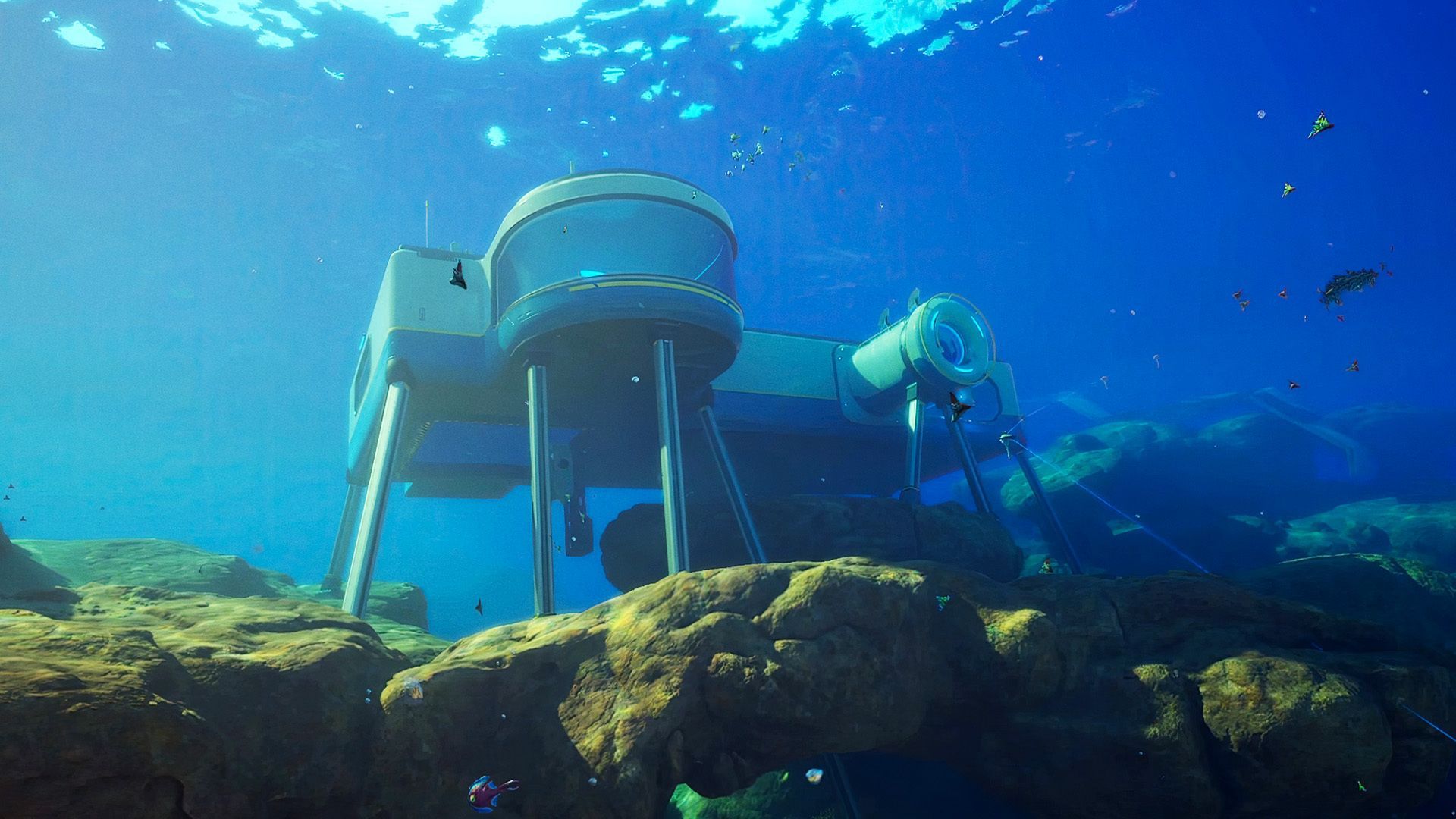
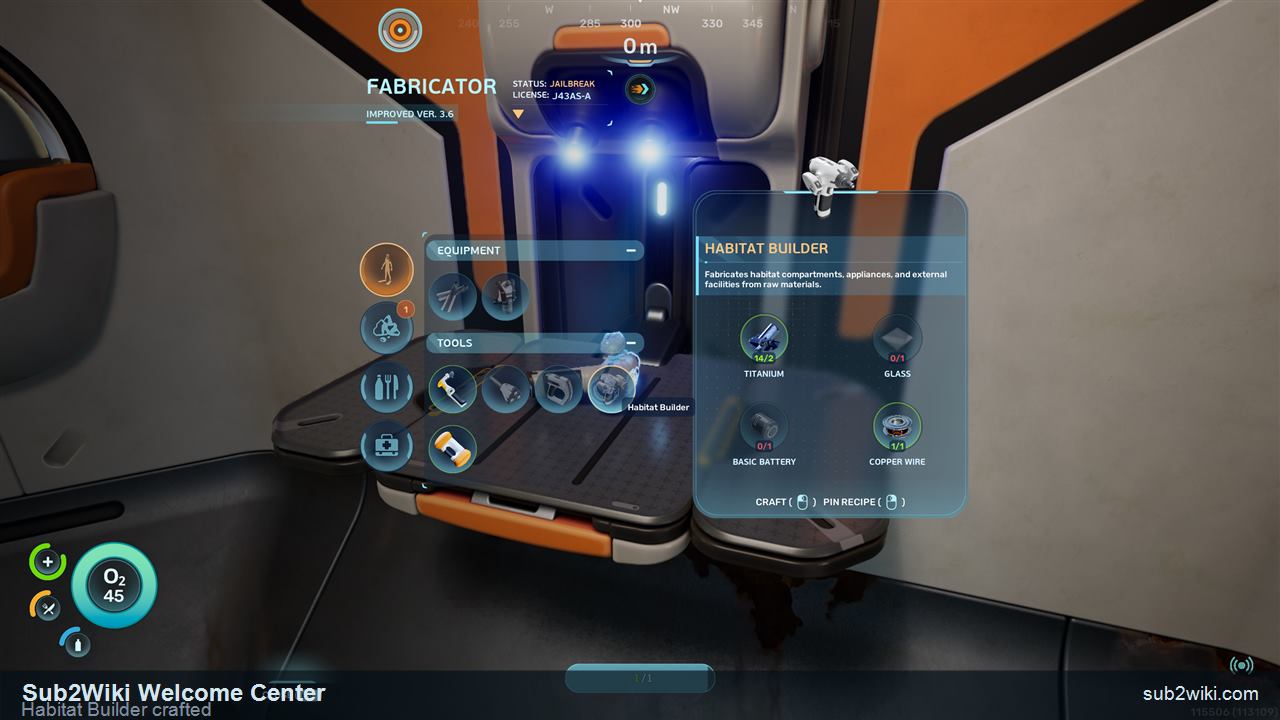 Habitat Builder
 Two Habitat Builder scans at the Welcome Center route, then craft the tool before placing real base parts.
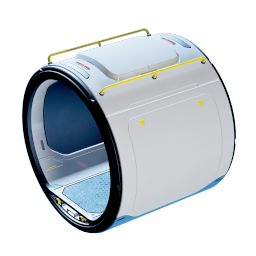 Corridor
 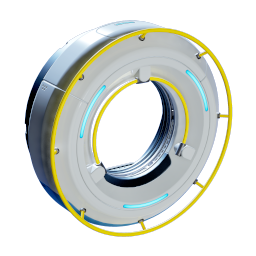 Hatch
Hatch 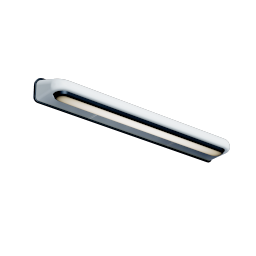 Wall Light
 Starter corridors, rooms, hatches, Interior Walls, and connection pieces. Hotfix 3 reduced Interior Wall costs to one quarter of their previous price.
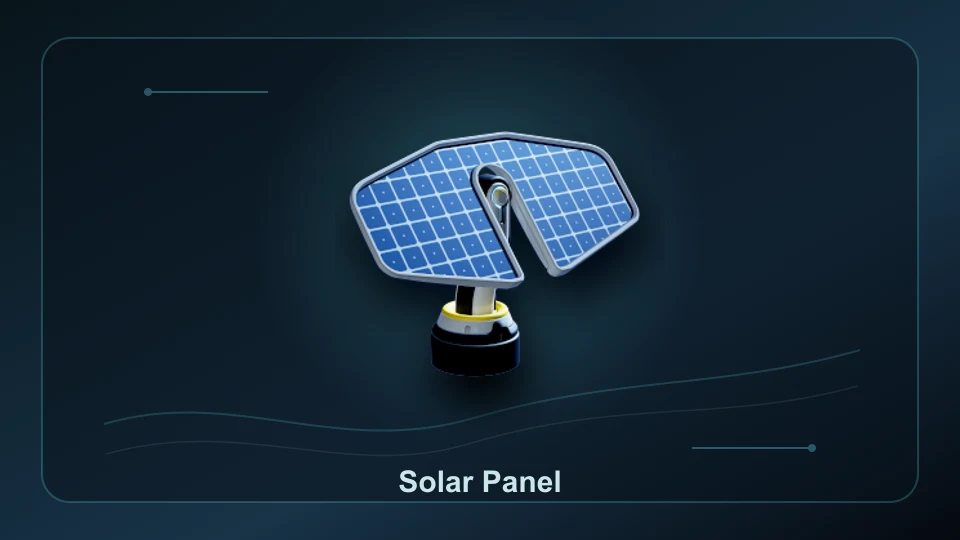 Solar
Solar 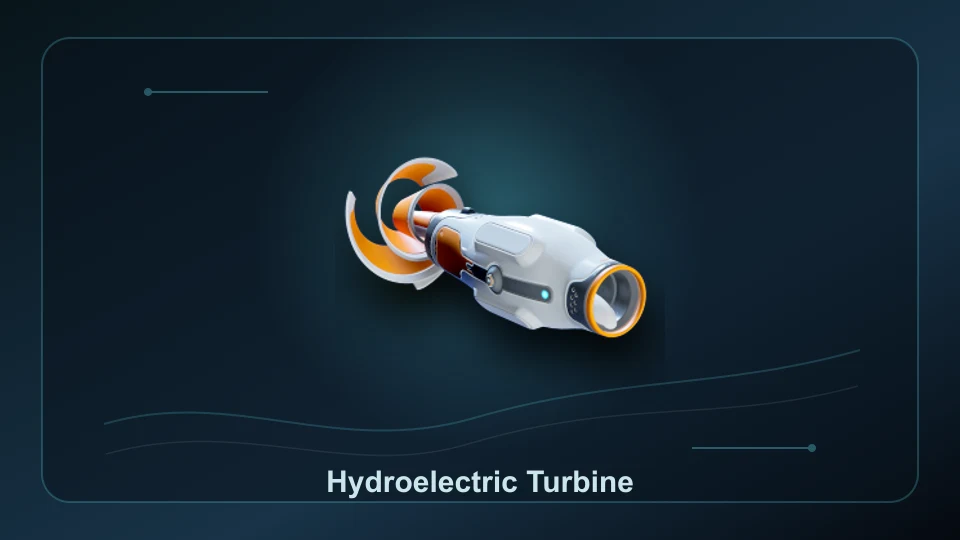 Hydro
Hydro 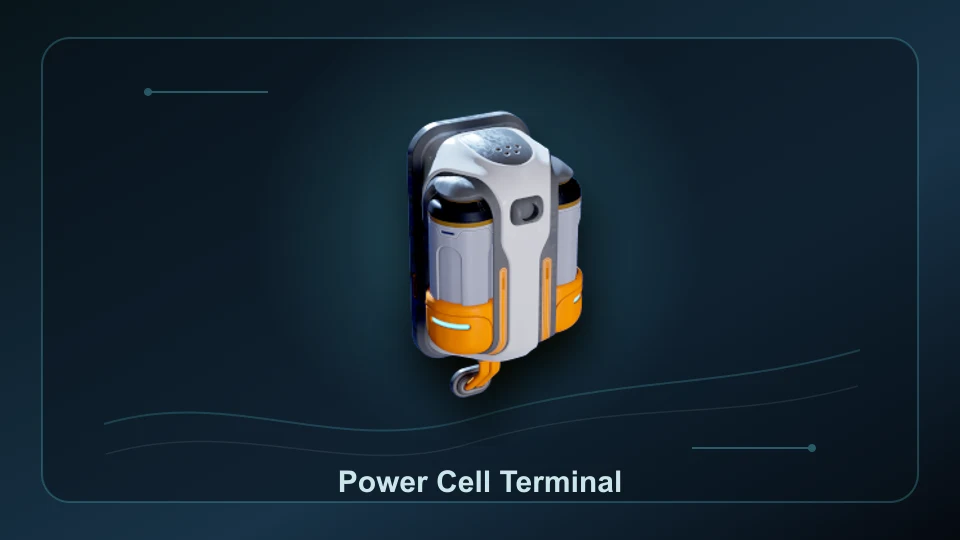 Terminal
 Use solar in suitable light, turbines in natural currents, or thermal generation near heat. Connect supply to the base and reserve power for charging.
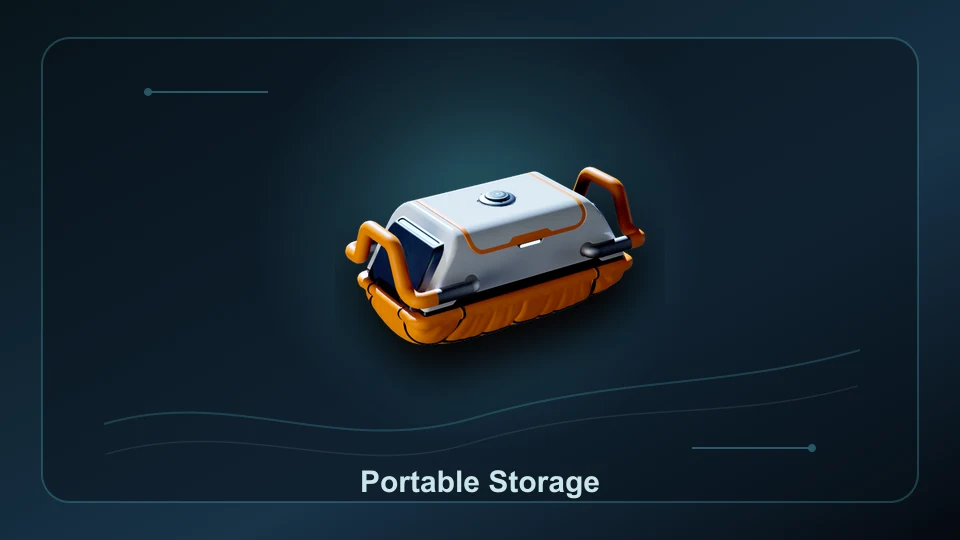 Storage
 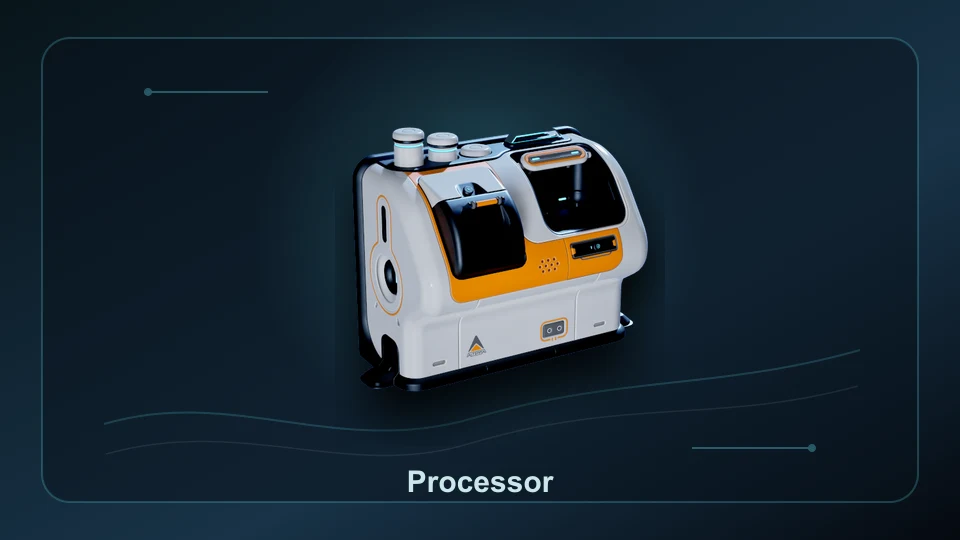 Processor
  Biolab
 Portable Locker uses 4 Titanium. The Processor uses 2 Titanium, 1 Mild Acid and 1 Copper Wire after one full Processor scan.
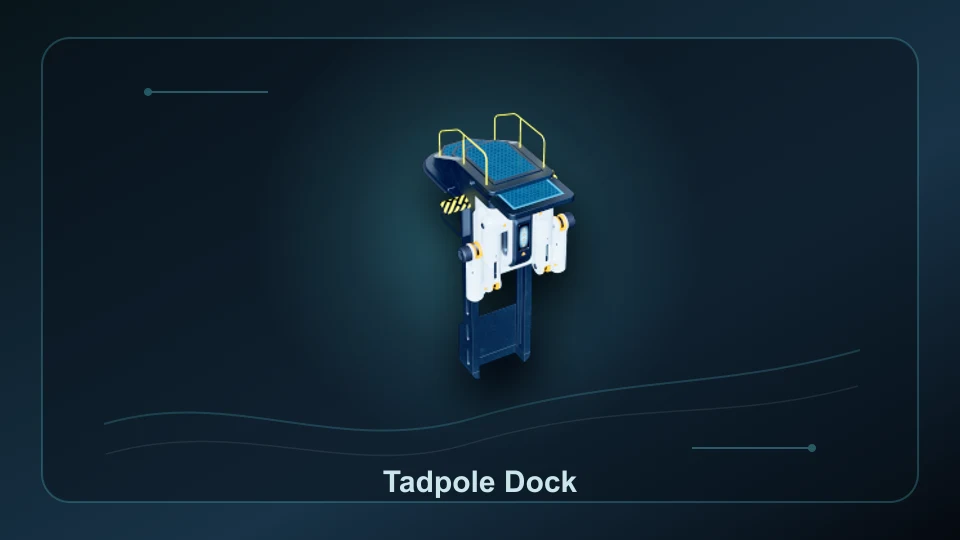 Dock
Dock 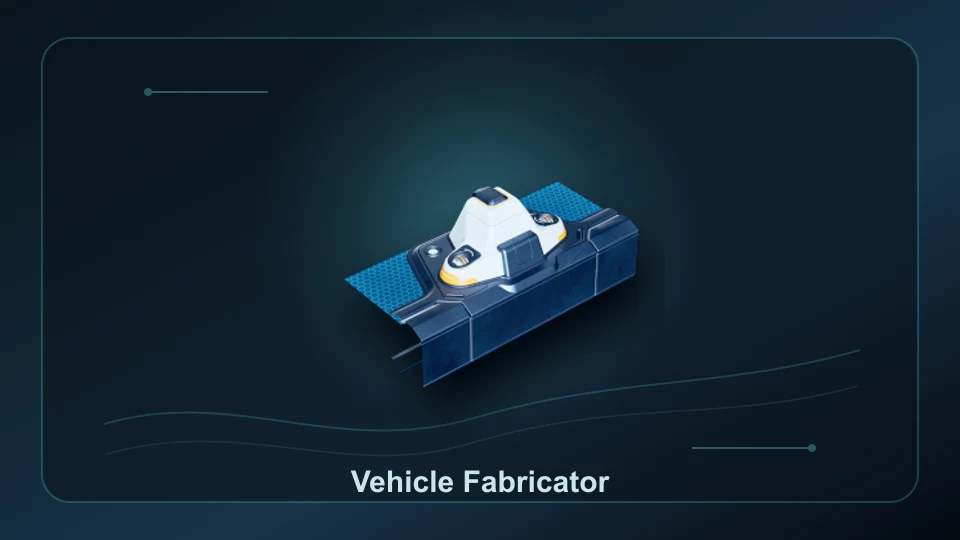 Fabricator
 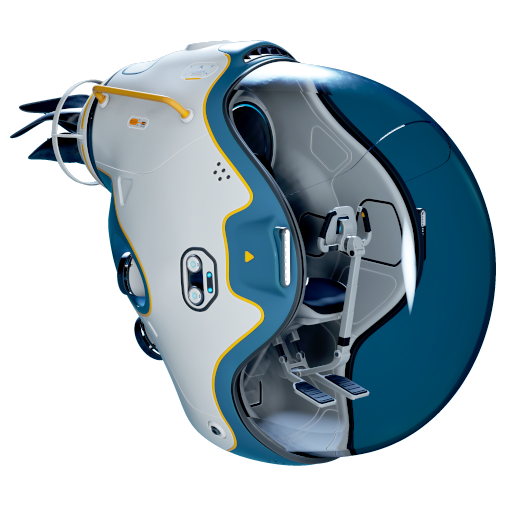 Tadpole
 Tadpole Dock, Vehicle Fabricator, docking clearance, module support, and charging behavior.
Base layout Move a bad first base without turning every misplaced corridor into a long manual cleanup.
Build close to the Lifepod while resources are scarce so you can return for air, supplies and fabrication.
Leave room for the Tadpole and its installed chassis to approach and leave the dock. A blocked dock cannot provide a usable vehicle route.
Hotfix 3 reduced Interior Wall costs to one quarter of the previous price, so older base-material estimates can be too expensive.
Choose power sources for the site and leave enough supply for active facilities before adding decoration.
These building and station entries connect the current base routes, power systems, storage, and vehicle support pages.
Match generation, transmission and storage to your site and demand.
Use separate terminals for tool batteries and vehicle Power Cells.
Prepare a repeatable fuel supply before depending on a reactor.
Compare starter, mining and Alien Ruins outposts.
Habitat Builder scans, first base placement, materials, and power setup.
Station families, material budgets, and progression tiers.
Recipe costs, crafting stations and ingredient chains.
Base spots, resource leads, route notes, and map markers.
No. It covers the early Habitat Builder route, rooms, corridors, power, storage, utilities, and vehicle support.
No. The terminal charges Power Cells using the base power supply. Build and connect generation first, then keep enough available power for the terminal and other facilities.
Unlock the Habitat Builder, place a small powered base near safe oxygen access, add storage, then plan power and vehicle clearance before expanding.
Yes. Unknown Worlds says Interior Wall costs were reduced to one quarter of their previous price.
Ingredient quantities use PC build 128456 recipe data. Follow each recipe link for its unlock conditions and raw-material planning.
| Recipe | Station | Ingredients and output |
|---|---|---|
| Portable Locker | Habitat Builder | 4 Titanium → 1 Portable Locker with Habitat Builder access |
| Processor | Habitat Builder | 2 Titanium + 1 Mild Acid + 1 Copper Wire → 1 Processor with the Habitat Builder |