Launch-day triage

Subnautica 2 Launch Troubleshooting

A six-step triage flow, a pre-launch prep checklist, and the universal UE5 fixes that handle most launch-day issues before they become bug reports.

In short. Most launch-day issues are not unique to Subnautica 2 — they are UE5 shader stutter, overlay conflicts, stale GPU drivers, or storefront service overload. Run the prep checklist today, follow the triage order on launch day, and use the platform-specific reset only after universal fixes fail. Issue patterns and live workarounds land on /known-issues within hours of the May 14, 2026 unlock.

Pre-launch reference, last verified 2026-05-13. Updated with launch-build specifics within hours of release.

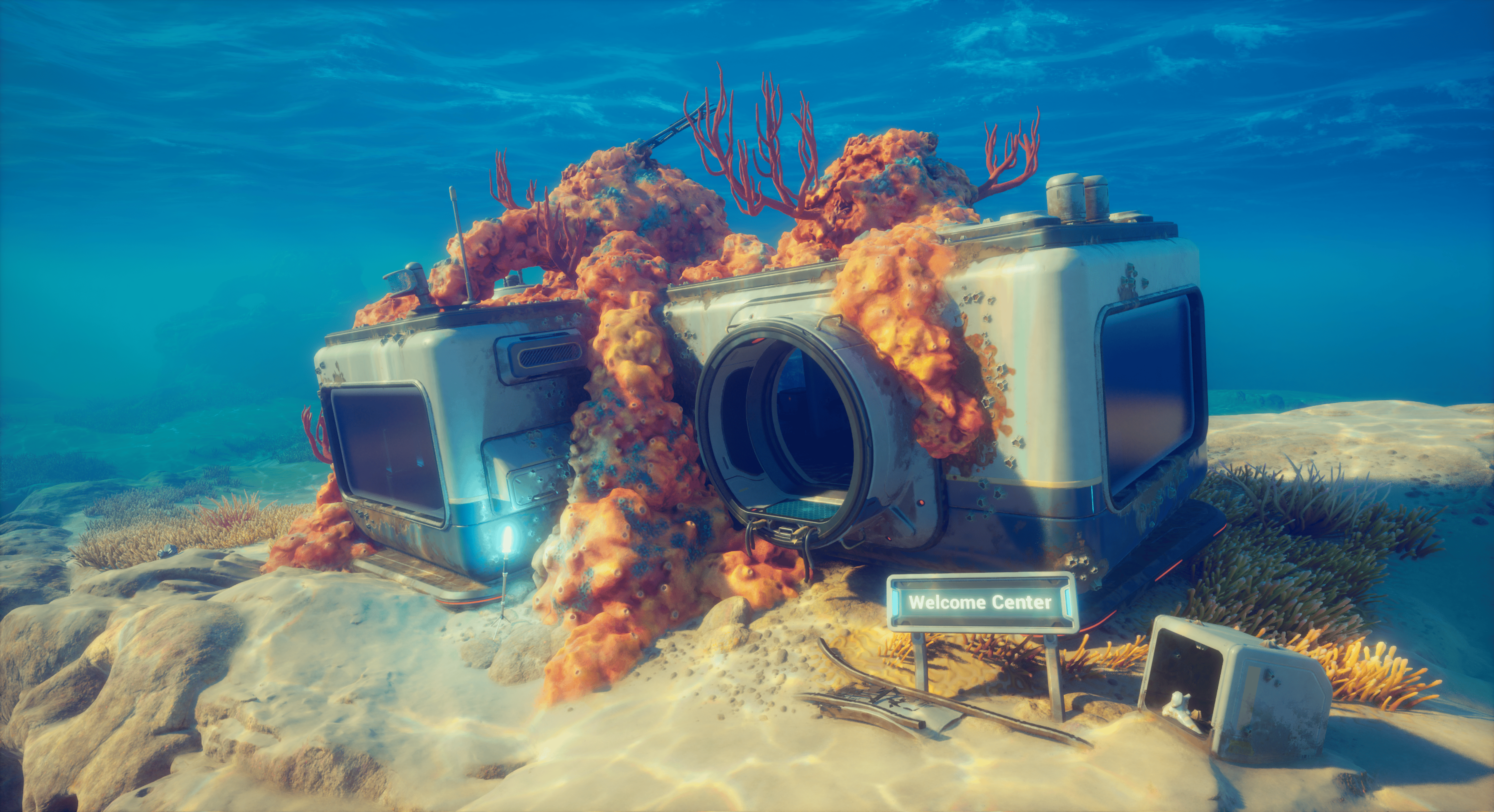
Underwater machine bay with robotic arms and a parked submersible

Six-step launch-day triage

Do these in order. Each step rules out a class of cause, so a "real bug" report at step six is far more useful than one at step one.

  1. 1

    Server status first

    open page

    Before changing any setting, check whether the issue is on your end at all. A storefront outage or sign-in service problem affects everyone and resolves itself.

  2. 2

    Known issues second

    open page

    If your symptom matches a confirmed launch-day pattern, the workaround is usually already documented and saves troubleshooting time.

  3. 3

    Official channels third

    open external

    Check the Unknown Worlds Discord announcements channel and Steam Discussions. A pinned developer post will appear if there is a widespread launch issue.

  4. 4

    Universal UE5 fixes fourth

    open page

    Most launch-day issues on PC are not unique to Subnautica 2 — they are the same shader / driver / overlay problems that hit every UE5 release. Apply the checklist below before treating the issue as a Subnautica 2 bug.

  5. 5

    Platform-specific reset fifth

    open page

    If you have ruled out service, content, and universal causes, the next step is platform-specific: Steam file verification, Xbox console reset, or Game Pass entitlement check.

  6. 6

    Report a bug last

    open page

    When the above does not work, file a clean bug report. A specific report with platform, build, repro steps, and what you have already tried is far more useful than "game broken".

Pre-launch prep checklist (do today)

Doing these on 2026-05-13 instead of at midnight on launch day avoids the most common avoidable failures.

Universal UE5 first-day fixes

Six patterns that hit every major UE5 release. Try these before assuming Subnautica 2 has a unique bug.

First-launch shader compilation stutter

Cause

UE5 compiles shaders on demand during early play, causing 50-200 ms freezes on new surfaces, weapons, and creatures.

Fix

Play the first 30-60 minutes near spawn at lower settings to build the shader cache. Stutter usually disappears after the first session. Do not benchmark or judge performance in the first hour.

Black screen on launch

Cause

Almost always an overlay conflict (Discord, MSI Afterburner, RivaTuner) or a stale fullscreen exclusive setting from a previous game.

Fix

Press Alt+Enter to toggle windowed mode. If that fails, force-close, delete the GameUserSettings file (usually in %LOCALAPPDATA%\Subnautica2\Saved\Config\), and relaunch.

Game crashes within first 5 minutes

Cause

Most often an aggressive XMP / DOCP / EXPO memory overclock that passes synthetic tests but fails under UE5 sustained load.

Fix

Reboot, enter BIOS, and run RAM at the JEDEC default speed (usually 4800 MHz or 5200 MHz for DDR5). If the crash stops, your XMP profile is unstable, not the game.

Stuck on "loading shaders" screen

Cause

A corrupted or partially-downloaded shader cache, often after an interrupted patch or a quick Alt+F4 during the initial compile.

Fix

Quit the game. Delete the shader cache folder (location varies by storefront — Steam: %LOCALAPPDATA%\Subnautica2\Saved\ShaderCache\). Verify game files. Relaunch and allow shaders to recompile from scratch.

Co-op invite arrives but Join button does nothing

Cause

Cross-platform invites can hit either the storefront friends layer or the in-game session layer first. Often a timing race.

Fix

Both players quit to the main menu. Inviter creates a session and waits there. Invitee accepts the invite from inside the main menu, not from a desktop notification. If still failing, exchange a manual session code if the launch build exposes one.

FPS far below expected for your hardware

Cause

UE5 defaults to TSR (Temporal Super Resolution) at quality settings that demand a strong GPU. Many PCs at minimum-spec are bottlenecked here.

Fix

In settings, switch upscaler from TSR to DLSS (Nvidia), FSR 3 (AMD or any GPU), or XeSS (Intel). Set the upscaling preset to Quality first, then Balanced if needed. Disable lumen / nanite at high if your GPU is below recommended.
Platform-specific reset steps

Once universal fixes are exhausted, the next layer is platform-level: reinstalling individual components, repairing apps, and clearing caches.

Steam

  • Right-click the game → Properties → Installed Files → Verify integrity of game files.
  • Properties → Compatibility → Force the use of a specific Steam Play tool — leave off unless instructed.
  • In Steam settings, turn off Steam Input for the game if a controller is misbehaving.
  • If a download stalls, pause and resume, or change region temporarily in Steam settings.

Xbox Series X|S

  • Settings → System → Console info → Reset console → Reset and keep my games & apps.
  • Hold the Xbox button on the controller → Restart console (a soft reboot, not just sleep).
  • For "we cannot start your game" messages, sign out and back in to your Microsoft account on the console.
  • For Game Pass entitlement issues, check the subscription status in My Library before reinstalling.

Xbox app on PC

  • Right-click the Xbox app → App settings → Repair, then Reset if Repair does not help.
  • Run "wsreset.exe" from the Run dialog to flush the Microsoft Store cache.
  • Confirm the Gaming Services package is up to date in the Microsoft Store → Library → Get updates.
  • For install location issues, move the game install to a drive with an NTFS file system and at least 60 GB free.

Epic Games Store

  • Library → click the three-dot menu next to Subnautica 2 → Verify.
  • Settings → Manage Games → check the installation location is writable and has space.
  • For login loops, log out of the Epic launcher, clear Epic credentials from Windows Credential Manager, and log back in.
  • For overlay issues, disable the Epic in-game overlay under Settings.

What Subnautica 1 history tells us to watch

Subnautica 2 is a new engine and a new team configuration, but four bug patterns from the original series are worth watching during the first Early Access week.

Save corruption after long sessions

Subnautica 1 had persistent save corruption bugs across multiple major patches. Co-op adds session-syncing complexity, so save handling is the single most-watched system in the launch build.

Terrain pop-in and texture streaming

Subnautica 1 ran on a custom Unity setup with aggressive streaming. UE5 nanite/lumen behaves differently, so the failure modes will not be identical, but expect at least one streaming-related hotfix in the first month.

Vehicles falling through terrain

Recurring class of bugs in Subnautica 1, especially after fast travel or quick save/load cycles. Worth a separate bug-report category if it shows up here.

Frame drops in dense biomes

Coral fields and ruined city scenes were Subnautica 1's frame-drop hotspots. UE5's nanite should help, but launch-day VRAM pressure can override that benefit.

Wait vs fix

Not every launch-day issue is on your end, and not every issue resolves itself. Sort yours into the right bucket first.

Wait it out

  • Steam, Xbox, or Game Pass storefront overload during the first 30 minutes
  • Discord voice chat lag during peak hours
  • Friends list showing offline incorrectly
  • Cloud save sync delays
  • First-launch shader compilation stutter

Fix yourself

  • GPU driver older than three months
  • Overlay conflicts (Discord, MSI Afterburner, RTSS)
  • Antivirus blocking the install folder
  • Unstable XMP / EXPO RAM profile
  • Sign-in or two-factor failures on storefronts

Common questions

Subnautica 2 will not launch on my PC — what should I check first?

Go through the six-step triage on this page in order. The most common launch-day "will not start" causes, in order of frequency, are: storefront / sign-in service overload (wait it out), overlay conflicts (Discord, MSI Afterburner — disable them), stale GPU drivers (update before the game launches), antivirus blocking the install folder (whitelist it), and only then a genuine game bug.

My GPU meets the recommended spec but FPS is terrible. What is going on?

Almost certainly UE5's default Temporal Super Resolution upscaler. Switch to DLSS (Nvidia), FSR 3 (universal), or XeSS (Intel) at the Quality preset and the framerate usually doubles. The first 30-60 minutes will also stutter while shaders compile — this is not a fixable bug, just a UE5 trait.

Co-op invites keep failing. Is it the game?

Usually a timing race rather than a bug. Have both players quit to the main menu. The host creates a session and waits there. The guest accepts the invite from inside the main menu, not from a desktop or console notification. If your platforms differ (Steam host, Xbox guest), confirm both accounts have linked storefronts where required.

Should I delete and reinstall Subnautica 2 if it crashes?

Not as a first step. Verify file integrity on Steam, repair from the Xbox app, or verify on Epic — these resolve 90 percent of corrupted-install crashes without a 50 GB redownload. Reinstall only after verification, driver updates, and overlay disabling have all failed.

Where are my Subnautica 2 save files located?

On PC, save files typically live in %LOCALAPPDATA%\Subnautica2\Saved\SaveGames\ for Steam and Epic, and in a sandboxed WindowsApps directory for the Xbox app version. On Xbox Series, saves are managed by the console (no direct file access). Confirmed paths will be added here once the launch build ships.

Is shader compilation stutter a bug I should report?

No. It is a universal UE5 trait. Reporting it as a Subnautica 2 bug will not lead to a fix — the workaround already exists. Play the first 30-60 minutes near spawn at moderate settings, let the shader cache build, and stutter usually disappears. Report it only if you still have severe stutter after the first session and after a Verify Files pass.

Related

When triage points to a real issue, these pages take over.