Proximity voice chat
Voice fades with distance. Choose always on, push to talk, or always off in Voice Chat settings.
The series finally has co-op. Solo play is still fully supported, but you can bring three friends online for the full game. EA 1.2 "Buddy System" adds proximity voice chat, player revives, direct item trading, emotes, and Tracking Tags, while Buddy System Hotfix 1 fixes push-to-talk and several Tadpole co-op states. Invite codes remain the universal join flow; local split-screen or couch co-op is not supported.
Reviewed .
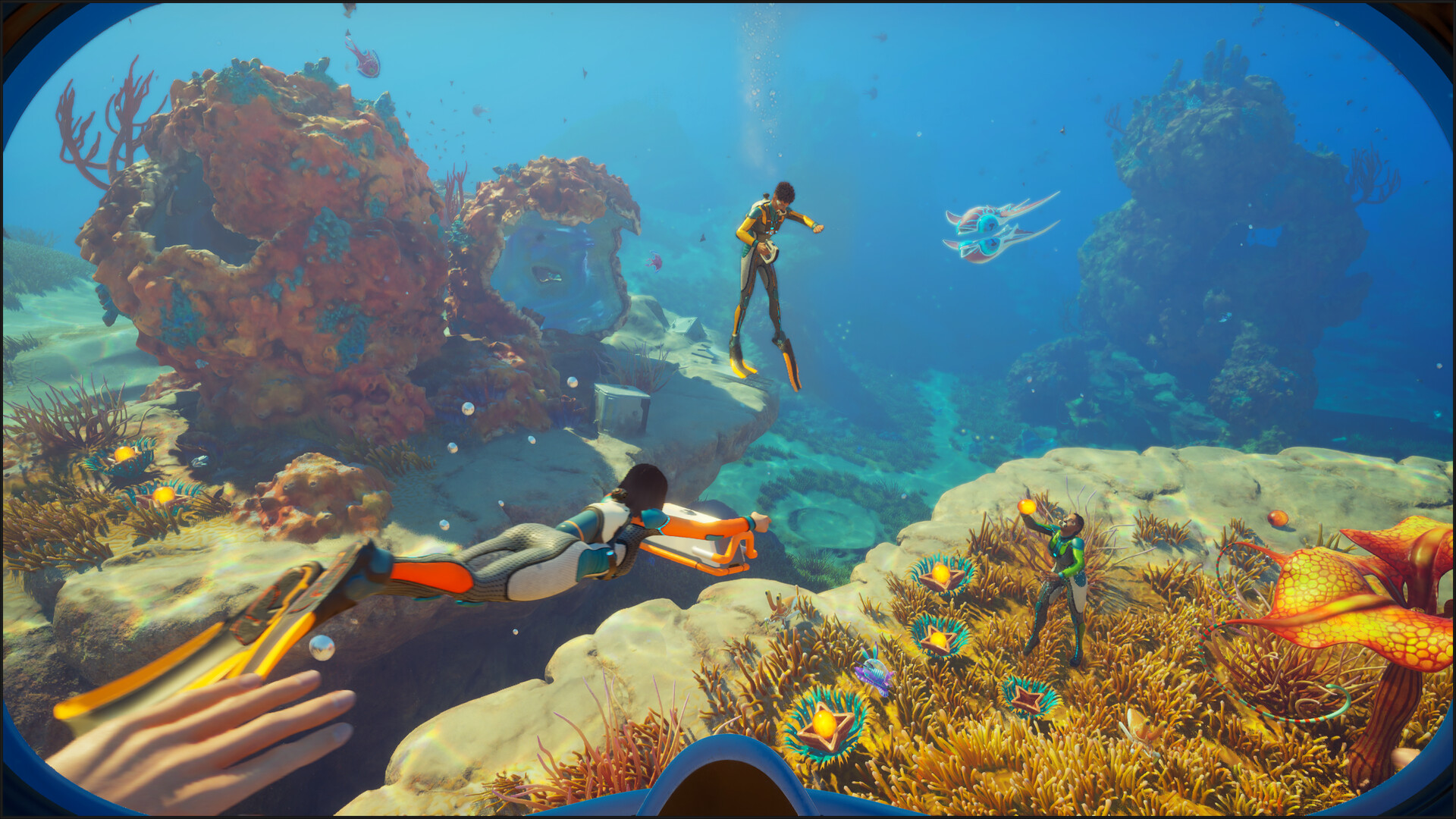
Voice fades with distance. Choose always on, push to talk, or always off in Voice Chat settings.
A teammate can pick up a downed player, preserving equipment and restoring a small amount of oxygen.
Interact with a teammate to exchange inventory items without turning the seafloor into a drop pile.
Use five radial-menu emotes, and place Tracking Tags in carryables for short-range recovery beacons.
Buddy System also improves client-side base Move mode and tool prompts. Hotfix 1 adds the push-to-talk and Tadpole/Haul fixes on top of the earlier desync, signal, Growbed, and network-loss fixes. Read the Buddy System Hotfix 1 summary and the EA 1.2 feature summary for the full player-facing list.
4 players is the hard cap. Subnautica 2 is built around a host plus three guests.
The cap applies the same way no matter which mix of platforms your group is on. Steam-only, Xbox-only, or a mixed Steam + Xbox + Game Pass group all share the same 4-player ceiling. There is no server-side workaround in the launch build.
If you have a fifth person, the practical pattern is rotation: hold a "bench" player who swaps in for someone who has to drop, rather than running two parallel sessions on the same save.
Subnautica 2 uses a short alphanumeric invite code as the universal join method. It works the same way on Steam, Epic, Xbox, and Game Pass.
The same code works across platforms, since matchmaking is unified. Steam, Epic, Xbox Series X|S, Xbox on PC, ROG Xbox Ally, and Game Pass all share one lobby pool.
Launch-week note: Subnautica 2 supports shared co-op worlds, so a group can plan around one player being unavailable.
For practical play, decide who should keep access before the original host signs off. Do not assume the session will automatically continue if the active host disconnects unexpectedly.
How it works: exact menu labels can shift during Early Access. Check the current patch notes or in-game world sharing UI before writing a step-by-step host-transfer guide.
A few practical implications worth knowing before a co-op session so you do not blame your router for things it cannot control.
Online co-op on Xbox typically requires Xbox Game Pass Ultimate or Xbox Live Gold for any non-free-to-play title. Confirm your subscription before hosting if you have not played online recently.
No additional subscription required. The base purchase or active Game Pass on PC includes online co-op.
Subnautica 2 does not advertise a Friend Pass. If you are planning a two-player or four-player session, assume each active player needs their own valid access: a purchase on Steam or Epic, Xbox ownership, or an active Game Pass entitlement.
Steam lists Family Sharing support, which helps a household access the game from a shared library. That is different from a free co-op pass. For simultaneous online co-op, the clean setup is one active entitlement per player.
Check the split-screen and couch co-op answer →What's worked for us across other survival co-op games, applied to what we know about Subnautica 2 so far. We'll revise after the first weekend of real play.

Subnautica 2 supports up to 4 players in one online co-op session: one host and up to three guests. There is no official 5-player, 6-player, or larger server mode in the Early Access build.
Yes. The Steam page lists cross-platform multiplayer, and public launch guides describe cross-play between PC storefronts and Xbox. Use the in-game invite or friend-code flow rather than relying only on platform-native invites.
No official Friend Pass has been announced for Subnautica 2. Plan for each active co-op player to have their own purchase, Game Pass access, or other valid platform entitlement.
Steam lists Family Sharing support, but shared-library access is not the same as a Friend Pass. If two people want to play together at the same time, each player should have their own active access to the game.
Yes, cross-platform multiplayer is part of the public store listing. In practice, everyone should update to Buddy System Hotfix 1, confirm the same branch and build, and use the in-game invite flow if platform invites fail. Rollout timing can briefly block mixed Steam, Xbox, and Game Pass groups until every storefront and region has the same build.
Yes for the specific official symptom: Hotfix 3 fixes clients, meaning non-host players, reverting to their previous position when rejoining a multiplayer session. Nearby desync, save-load, vehicle, or base-state symptoms still need separate repro notes before they can be treated as the same fixed issue.
It fixes the Proximity Chat push-to-talk input path and several Tadpole and Haul edge cases, including attached-player oxygen and inventory-sharing states. Update every player and compare the branch and build before treating a remaining symptom as a new desync.
Yes. Early Access 1.2 "Buddy System" added proximity voice chat. Teammates become harder to hear as distance increases, and Voice Chat can be set to always on, push to talk, or always off.
Yes. Buddy System lets teammates revive a downed player before reprinting and directly exchange inventory items. A revived player keeps their equipment and returns with a small amount of oxygen; the downed player can still choose to reprint immediately.
No. Solo play is fully supported. Co-op is optional, so you can play alone or bring up to three friends online.
No. Subnautica 2 has online co-op, not split-screen, couch co-op, or two players on one PC or Xbox. See the split-screen page for the platform-by-platform answer.
Next stops if you're planning a co-op session.